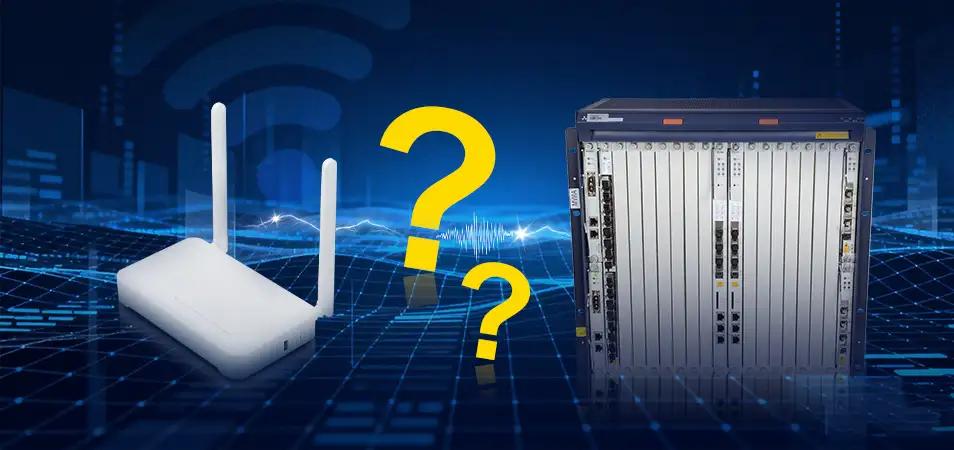
 Troubleshoot Frequent ONU Offline on ZTE ZXA10 Cxx OLT
22 Dec, 2025. Posted by:XPONSHOP
Troubleshoot Frequent ONU Offline on ZTE ZXA10 Cxx OLT
22 Dec, 2025. Posted by:XPONSHOP
Most Views Posts
Deploy Huawei FTTR Network: Fiber to The Room Solution
2025-10-22 08:58:18
How to Configure and Manage Rogue ONU Detection on ZTE ZXA10 C3XX
2025-12-18 14:17:06
Unlocking ME60 NAT- What You Need to Know
2025-10-22 09:07:50
Difference between LAN, MAN, and WAN
2025-10-22 09:00:47
How to Remotely Login to the ONT Web Page?
2025-10-22 08:42:34
Popular Posts
How to configure Wi-Fi services through the NMS?
2025-10-22 09:11:04
iMaster NCE-FAN Troubleshooting—Huawei OLT Cannot Be Added to iMaster NCE
2025-10-22 08:59:55
How to Configure and Manage Rogue ONU Detection on ZTE ZXA10 C3XX
2025-12-18 14:17:06
Troubleshoot FTTH IPTV Service Failure
2025-10-22 08:47:47
How to Login to NE8000 M Series Router?
2025-10-22 09:04:55
Random Posts
Decoding the Barcode and Serial Number (SN) on OSN 8800 Boards
2025-10-22 09:06:53
SFP V.S. SFP+ Module Difference
2025-10-22 08:59:43
Difference between LAN, MAN, and WAN
2025-10-22 09:00:47
Difference between 5G and Wi-Fi 6
2025-10-23 09:07:54
GPON ONT Management Ways: OMCI, TR069, U2000 or XML?
2025-10-22 09:04:07
Recent Posts
Troubleshoot Frequent ONU Offline on ZTE ZXA10 Cxx OLT
2025-12-22 16:22:33
How to Configure and Manage Rogue ONU Detection on ZTE ZXA10 C3XX
2025-12-18 14:17:06
What are MTU and Jumbo Frame?
2025-12-03 16:01:42
Reasonable Split Ratios for Huawei OLT Service Board i.e. GPFD/GPHF/CGHF/CSHF
2025-11-26 09:03:18
Difference between 5G and Wi-Fi 6
2025-10-23 09:07:54
About
XponShop blog describes some basics for Huawei / ZTE /
Nokia / FiberHome GPON OLT, ONT, SFP, and Site Power...
such as configurations, issue troubleshooting, knowledge
sharing, and keeps updating.
Recent posts
Products from the blog
 ZTE F670L V9.0 ONT
Bulk Inquiry
ZTE F670L V9.0 ONT
Bulk Inquiry
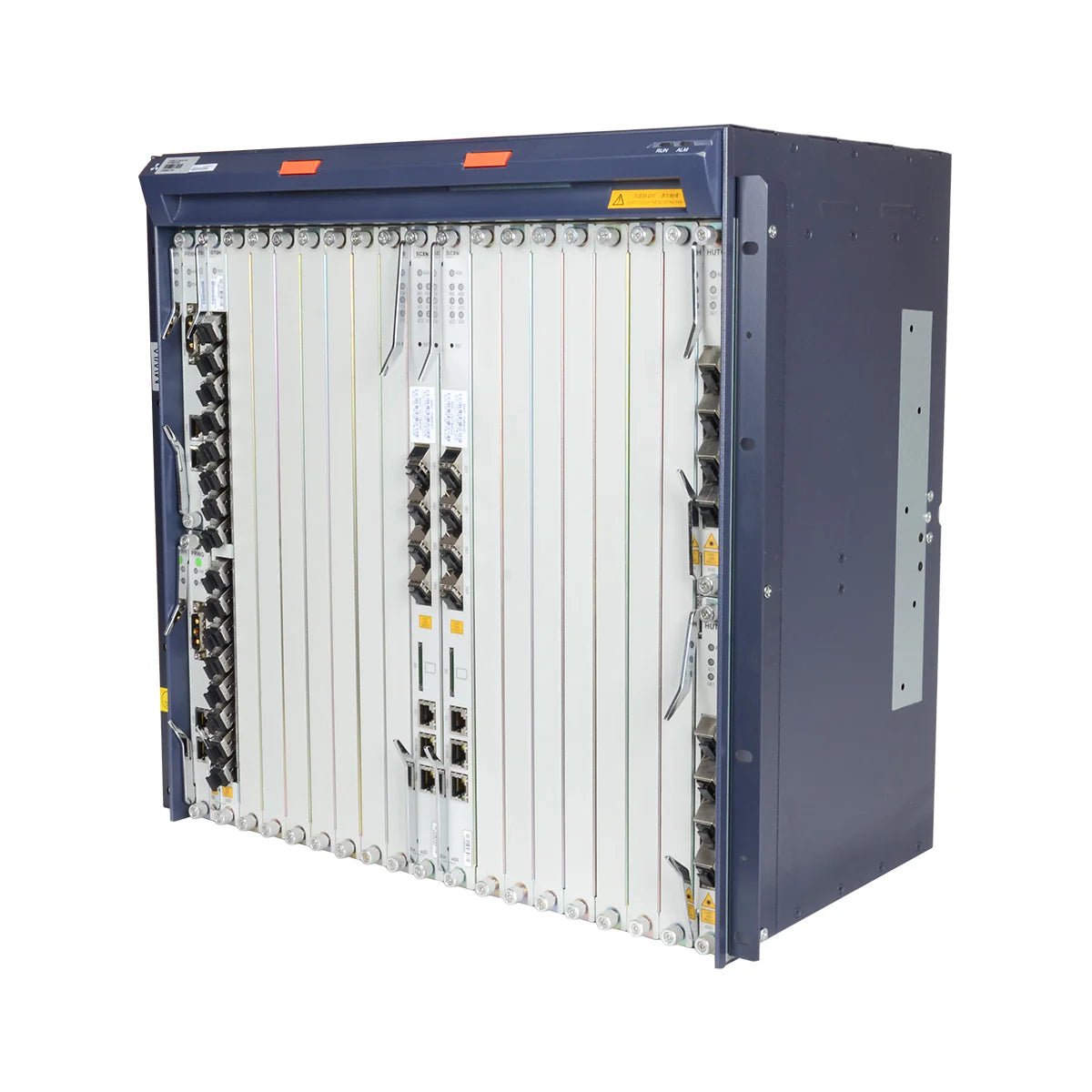 ZXA10 C300 OLT 19inch Chassis
Bulk Inquiry
ZXA10 C300 OLT 19inch Chassis
Bulk Inquiry
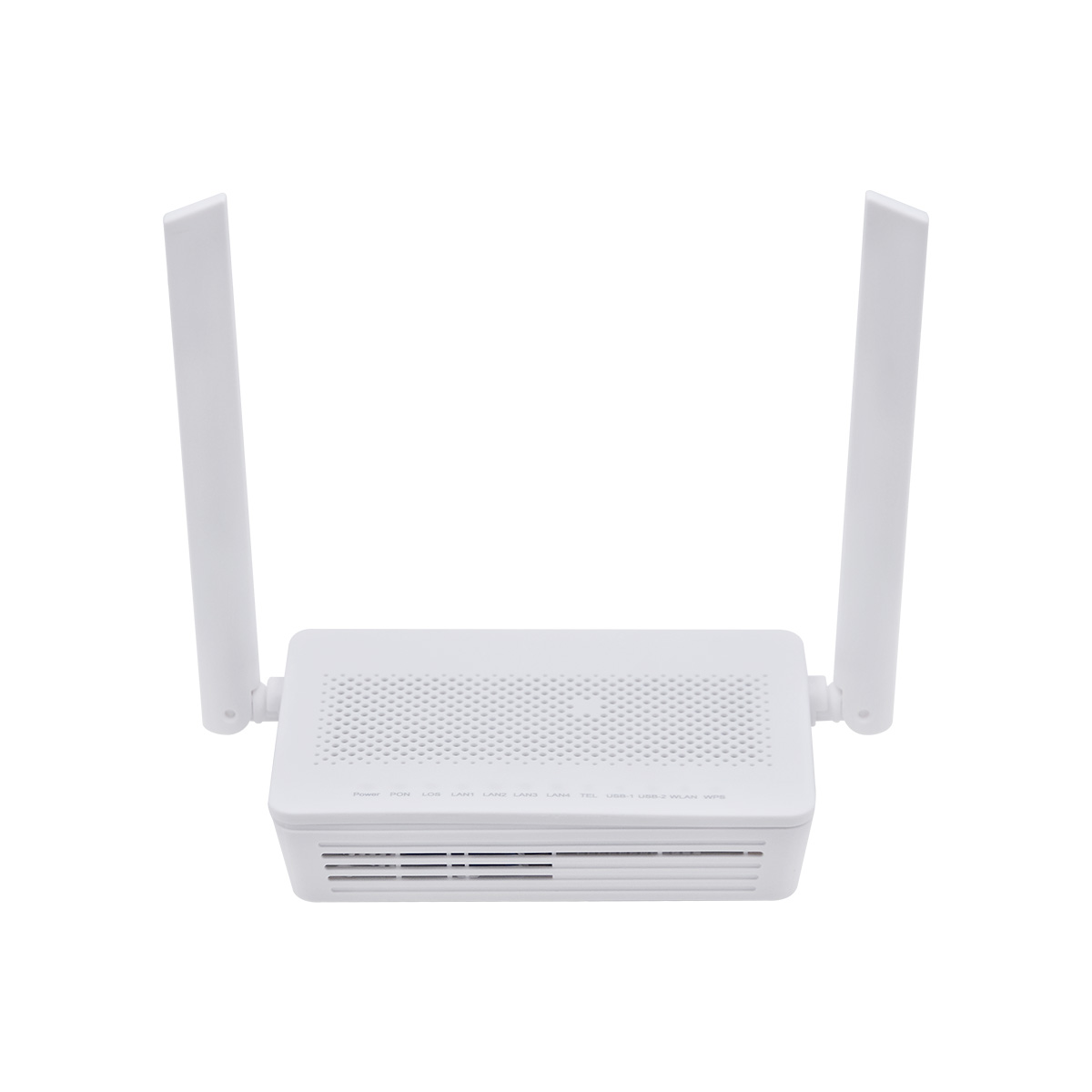 XPON 8145V5 WiFi 5 ONT
Bulk Inquiry
XPON 8145V5 WiFi 5 ONT
Bulk Inquiry
ZTE F670L V9.0 ONT
Bulk Inquiry
ZXA10 C300 OLT 19inch Chassis
Bulk Inquiry
XPON 8145V5 WiFi 5 ONT
Bulk Inquiry
This blog will guide you step-by-steo on how to troubleshoot frequent ONU Offline issues on ZTE ZXA10 C300 OLT
1,Checkall ONUs “Recent and Current” offline times using #show pon onu offline information gpon_olt-1/1/1
Then, judge whether ONUs with the most or zero offline times are abnormal?
From left to right, the columns represent the offline times in the Recent 1 day, Current 1 day, Recent 1 hour, and Current 1 hour, respectively.
2,Check the ONU offline reasons over the last 10 times:
·DyingGasp: indicates ONU power off.
·Los and Losi: indicate optical signal loss or bit errors.
·SnDisabled: indicate ONT to be forced to shut down.
3,Downstream: Check RX power on the ONU side.
Judge whether it exceeds the ONU receiver sensitivity.
If the RX power is too weak, it may cause ONU instability, and the downstream optical path need be optimized accordingly.
4,Upstream: Check the RX power on the OLT side
Judge whether it exceeds the receiver sensitivity of the OLT optical module.
If the value is near the sensitivity threshold, it may also cause connection instability; the upstream optical path should be optimized accordingly.
5,Check ONU No. 27 up and down pon power attenuation to judge whether the upstream and downstream attenuation values are normal.
If there is a significant difference between the two, it may indicate an optical path quality issue, which could lead to abnormal signal transmission and disconnection.
6, Check optical module info.
·RxNoise: displays the noise value. If the noise value is larger than -31dBm, the optical module may be damaged.
·Other key factors: Module-Class, Module-Type-Mismatch, and TxBias-Current being zero.
7,Turn on the rogue ONT detect to check whether the rogue ONT can be detected.
8,Check the rogue ONT detect result. The following shows that no rogue ONT was detected. If it could be detected, the ONU interface would be displayed. It’s used only as an auxiliary troubleshooting method, with a low success rate.
9,Clear the PON port error mac data and then re-check the PON port error mac growth again.
10,Check the XGPON channel 1 error mac data count. If Rx BIP error count (ERR) increases significantly and BER (e-9) is greater than 100, signal transmission is abnormal, then Loss or Losi may occur.
11,Check the GPON channel 2 error mac data count. If the Rx BIP error count (ERR) increases significantly and the BER (e-9) is greater than 100, signal transmission is abnormal, potentially leading to disconnections such as Loss or Losi.
If only the Rx Remote error indication (REI) increases significantly, the optical module may be faulty and needs to be replaced.
12,Turn No. 27 onu-transceiver off to see whether other ONUs still repeatedly drop offline.
Or turn all ONUs transceiver off connected to the PON port, and then turn them on in batches to locate which ONU causes the error.
13,Turn on the No. 27 onu-transceiver, and see whether other ONUs still repeatedly disconnect.
14,Check ONU No. 27 error mac data. If the Rx BER (e-9) is greater than 100 or the Rx BIP error count (ERRi) increases significantly, then signal transmission is abnormal, potentially leading to Loss or Lossi.
15,Clear ONU mac error data and re-check the error mac growth again.
16, Check whether there are unauthenticated ONUs under the PON port. If there is, first try to authenticate it to OLT.
Or physically remove the fiber from this ONU to prevent it from continuously sending authentication requests to the OLT, affecting the entire PON port.
17,show GPON terminal models
18,Check the software version of GPON or EPON terminals
19,Check ONU No. 27 configuration to see if the service channel is configured.
20,check ONU No. 27 configuration to see if VLAN conversion is configured.
21,Check whether the service VLAN is configured on the uplink interface.
22,Check whether MAC learning in the service VLAN is normal.
23,Check ONU No. 27 whether the MAC address learning is normal.
24,Check the system version currently running on the OLT
25,Check whether the BroadcastsPkts count in the input direction of XGPON channel 1 has increased significantly. If a large number of broadcast packets increase, normal broadcast packets may be discarded, resulting in service interruption.
26,Check whether the BroadcastsPkts count of the input direction of GPON channel 2 has increased significantly. If there is a large increase in broadcast packets, normal broadcast packets may be discarded, resulting in service interruption.
27,Check the authentication distance configuration. The unit of measurement is 100 meters.
Verify the fiber-distance setting (for example, 0–20 km) to ensure it does not exceed the maximum authentication distance, which could prevent the ONU from being authenticated and online.
28,Modify the authentication distance configuration. The unit of measurement is 100 meters. Set the fiber-distance parameter to 0–60 km.
29,Check the Allocid allocation status of the ONU on the PON port.
30,If you suspect that ONT cannot go online due to Alloc-ID occupation causing a syncmib status issue, you can try to release the occupied Alloc-ID using the following command.
31,If the ONT is online on OLT but no MAC address is learned, try to restore ONT if it can recover.
32,If ONU still fails to go online, try restarting it to see if it can go online again.
33,If ONT has severe upstream bit errors, causing it to fail online or remain in syncmib state, try enabling Forward Error Correction (FEC) on ONT to see if it can go online normally.
34,View configured ONU number and online ONU number by NE, slot, and port.
35, Check PON port or ONU all configurations.
For further assistance on ONU offline issue, feel free to email us at sales@xponshop.com.